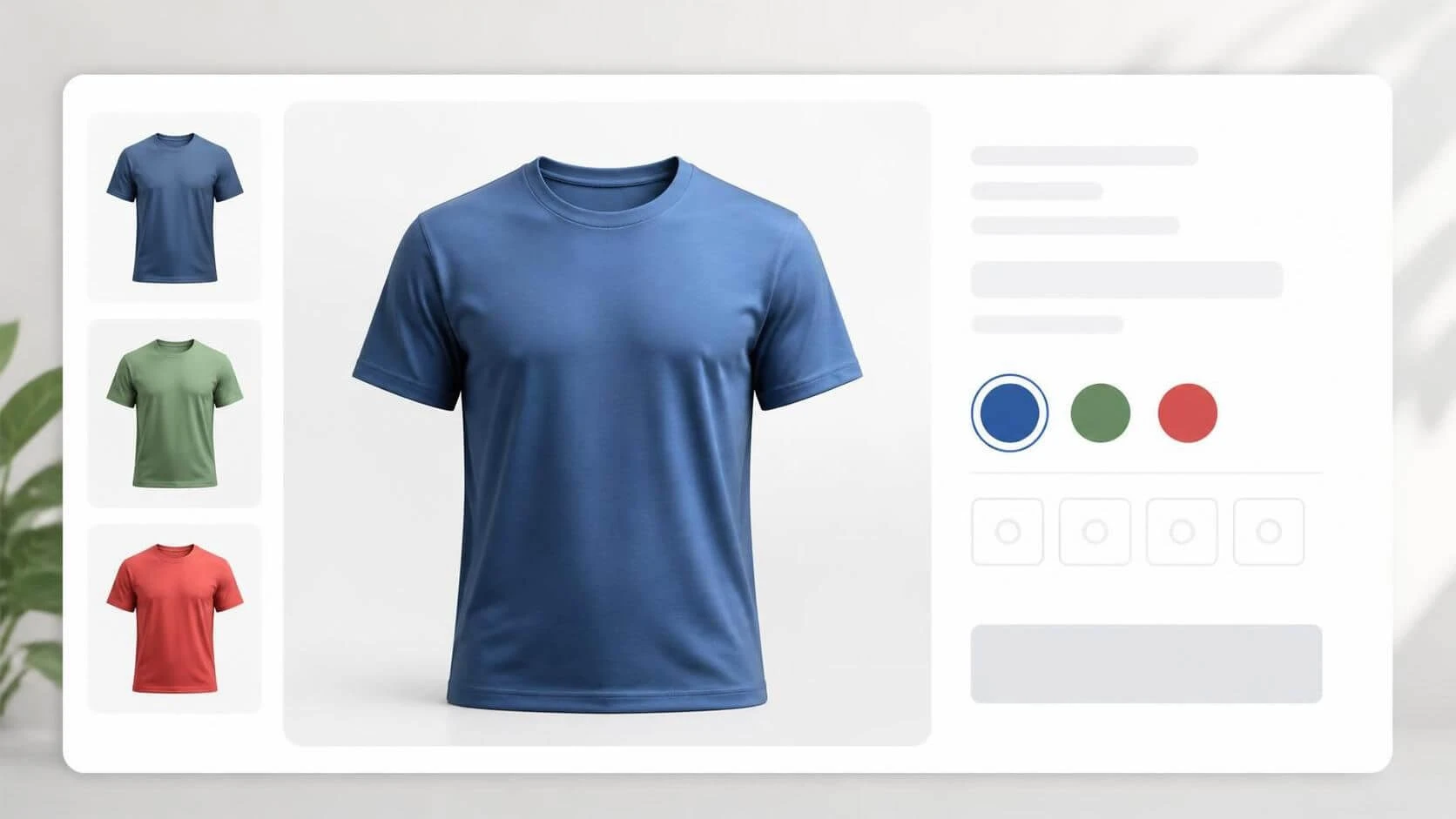
WooCommerce Variable products can have a different image assigned for each variation. The catch is that WC normally updates the product image only after the user has selected all available attributes.
That works well when every attribute changes the appearance of the product. But consider a T-shirt available in several colors and sizes. The color determines which product image the customer should see; the size does not. A customer who selects “Blue” may reasonably expect to see the blue shirt straight away, without first choosing a size. You could solve it by assigning a default-selected size attribute value to the product, but then the user may overlook it and order the wrong size.
A snippet to fix it
The snippet below listens for WooCommerce’s variation-checking event. When the customer has selected at least one attribute, but not all of them, it finds the variations that match the selection and updates the product image using the first match.
For example, after the customer selects Blue, the code finds a matching blue variation and displays its image even if the customer has not picked a size yet.
/** Update WC variation image when not all attributes are chosen. */
add_action('wp_head', static function() {

	if(wp_script_is('wc-add-to-cart-variation', 'enqueued')) {
		wp_add_inline_script('wc-add-to-cart-variation', <<<JS
		(function($, document) {
			$(document).on('wc_variation_form', function(e, VariationsForm) {
				const form = VariationsForm.\$form
				$(form).on('check_variations.ska-wc-any-var-img', function(e) {
					const attributes = VariationsForm.getChosenAttributes()
					if(attributes.chosenCount > 0 && attributes.chosenCount < attributes.count) {
						const foundVariations = VariationsForm.findMatchingVariations(VariationsForm.variationData, attributes.data)
						if(foundVariations.length > 0) {
							$(this).wc_variations_image_update(foundVariations[0])
						}
					}
				})
			})
		})(jQuery, document);
		JS, 'after');
	}
}, 5);How it works
The code attaches an event handler to each WooCommerce variation form. When WooCommerce checks for matching variations, it:
- Gets the attributes the customer has chosen.
- Checks that at least one attribute is selected, but that some are still unselected.
- Finds variations matching the selected attributes.
- Updates the product image using the first matching variation.
The wc_variations_image_update() function is part of WC’s core codebase, so nothing particularly unusual is being done and it’s unlikely to break when changes are made to the variations form handling.
Once all attributes have been selected, WooCommerce can handle the complete variation selection as usual.
When this is useful
This approach is handy when one attribute determines the product’s appearance – such as color – while another attribute, such as size, does not affect the image. Showing the image as soon as the relevant choice is made gives customers quicker visual feedback and can make the selection process feel more natural.
The snippet uses the first matching variation’s image, so it works best when variations that share a selected attribute also share the same image.
Leave a Reply