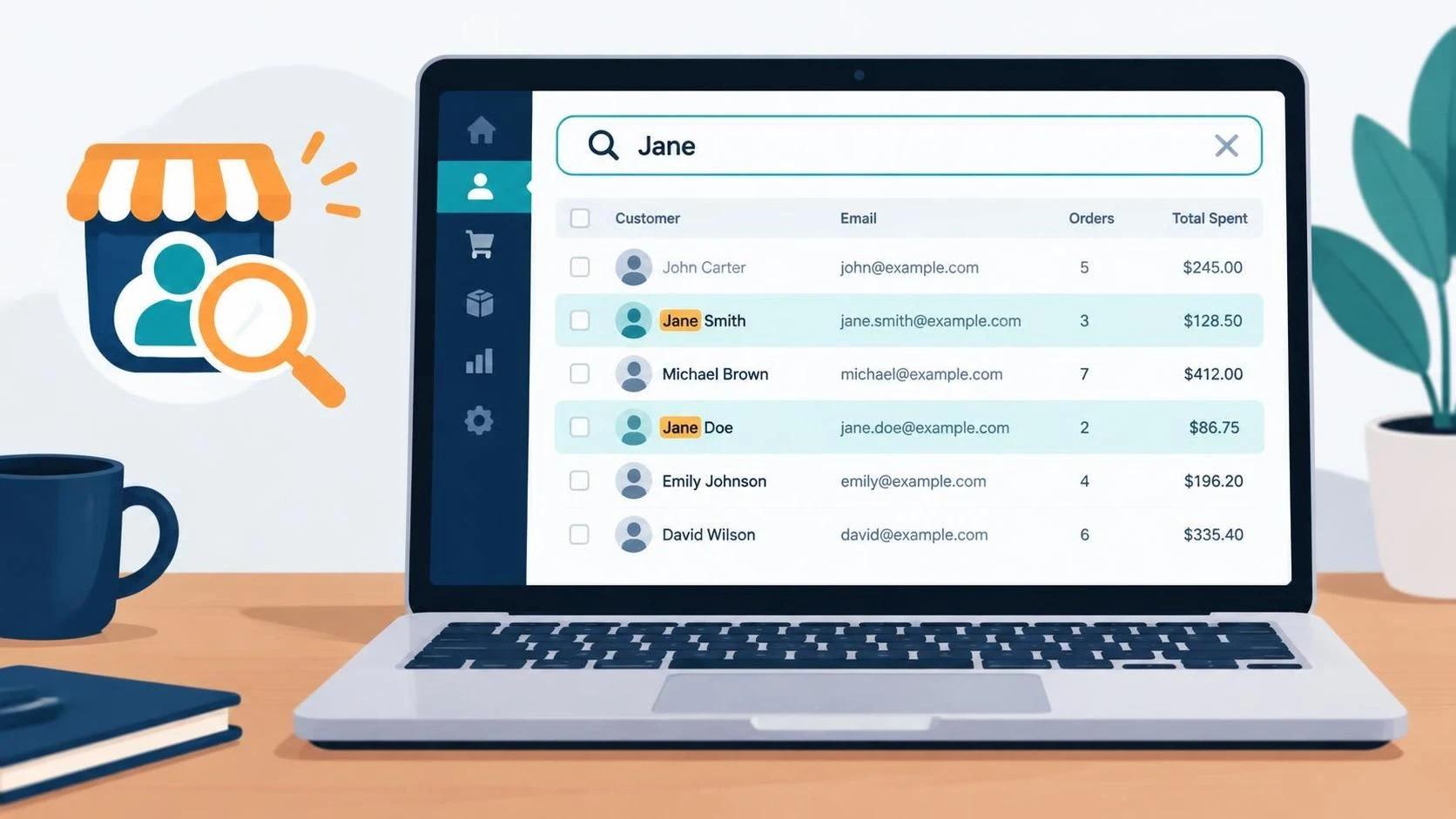
By default WordPress user search (at /wp-admin/users.php) looks at the fields: ID, user_login, user_email, user_url, user_nicename and display_name. When running a WooCommerce store, for example, you may wish to look users up by their name instead. Here’s a snippet that extends the search.
WordPress stores first and last names as user metadata, which its standard user search doesn’t include. This snippet adds those fields to searches on the Users screen.
/** Search users by first and last name. */
add_filter('user_search_columns', function(array $search_columns, string $search, WP_User_Query $q) {

	/** @var string */
	global $pagenow;

	/** Apply only when shop_manager+ is searching for users on `/wp-admin/users.php`. */
	if(
		$pagenow !== 'users.php'
		|| !current_user_can('manage_woocommerce')
		|| empty($search)
	) {
		return $search_columns;
	}

	$search_columns[] = 'ska_first_name_meta.meta_value';
	$search_columns[] = 'ska_last_name_meta.meta_value';

	return $search_columns;
}, 10, 3);

/** Join first/last name fields to the query when applicable. */
add_action('pre_user_query', function(WP_User_Query $q) {

	if(is_string($q->query_where) && is_string($q->query_from)) { // Strings are expected, checks are done just to satisfy static type checking

		/** @var wpdb */
		global $wpdb;

		if(
			strpos($q->query_where, 'ska_first_name_meta.meta_value LIKE') !== false
			&& strpos($q->query_from, 'AS ska_first_name_meta') === false
		) {
			$q->query_from .= " LEFT JOIN $wpdb->usermeta AS ska_first_name_meta ON (ska_first_name_meta.user_id = $wpdb->users.ID AND ska_first_name_meta.meta_key = 'first_name')";
		}

		if(
			strpos($q->query_where, 'ska_last_name_meta.meta_value LIKE') !== false
			&& strpos($q->query_from, 'AS ska_last_name_meta') === false
		) {
			$q->query_from .= " LEFT JOIN $wpdb->usermeta AS ska_last_name_meta ON (ska_last_name_meta.user_id = $wpdb->users.ID AND ska_last_name_meta.meta_key = 'last_name')";
		}
	}
}, 100);The code can be added to a site-specific plugin or your child theme’s functions.php. It applies to searches on the Users -> All users screen for users who can manage WooCommerce, but those conditions can be relaxed or removed, if needed.
This is specifically for the WordPress Users screen; it doesn’t change searches in WooCommerce’s Customers screen, the customer API, or other plugins’ search features.
There’s also a related open request for searching customers by first and last name in the WooCommerce customer API: WooCommerce issue #33383. That request concerns API search; this snippet addresses the WordPress admin Users screen.
Leave a Reply